



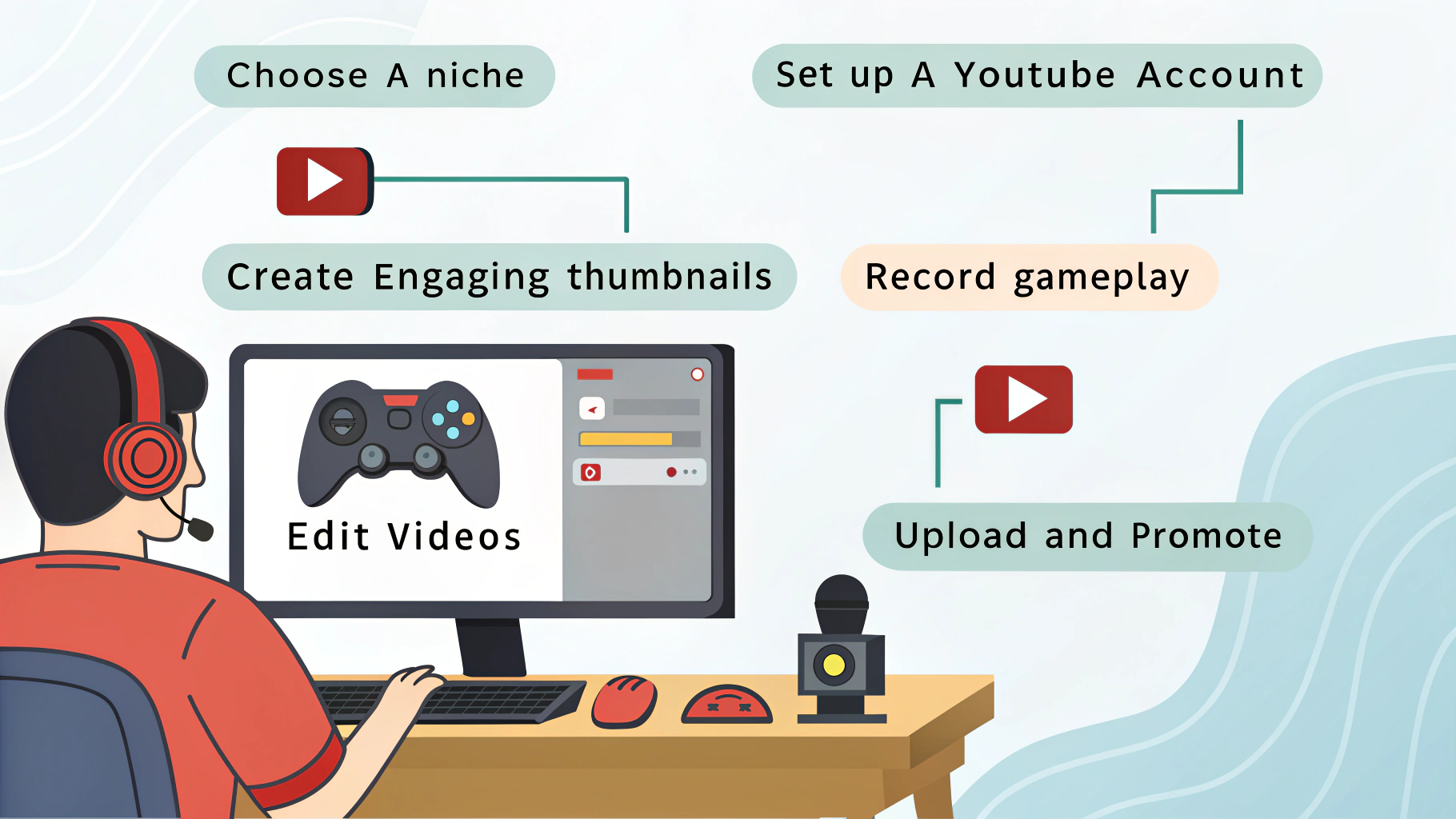
In 2025, the barriers to entry for starting a YouTube gaming channel have completely vanished. You no longer need a dedicated studio, a $2,000 camera, or a Hollywood-grade editing suite. If you have a smartphone, a basic computer, and a passion for games, you have everything you need to start for zero dollars.
Starting for free isn’t just about saving money; it’s about learning the “craft” of content creation before you invest. This guide will walk you through the exact steps to launch a successful gaming channel using only free tools and simple strategies.
1. Finding Your “Hook” (The Niche)
The biggest mistake new YouTubers make is trying to be “the next big thing” in a general way. In 2025, the gaming space is crowded. To stand out for free, you need a specific angle.
- Don’t just do “Let’s Plays”: Watching someone play a game from start to finish is a tough sell for a new channel.
- Focus on Value or Entertainment: Instead of “Minecraft Episode 1,” try “5 Secrets in Minecraft You Missed” or “Can I beat Minecraft with ONLY a wooden shovel?”
- The “Niche” Test: Pick a game or a genre (like Indie horror, retro shooters, or mobile RPGs) and stick to it for your first 10 videos. This tells the YouTube algorithm who to show your videos to.
2. The “Zero Dollar” Gear List
You likely already own the most important equipment. Here is how to use what you have to get professional results.
The Camera: Your Smartphone
Modern phone cameras are incredible. Download a free app like Blackmagic Cam to get manual control over your settings.
- Pro Tip: Use the back camera, not the selfie camera. It’s higher quality. Prop it up on a stack of books if you don’t have a tripod.
The Microphone: Your Secret Weapon
Audio is more important than video. People will watch a blurry video, but they will click away instantly if the sound is “crunchy” or quiet.
- The Free Fix: Use your phone’s built-in voice recorder app as a separate mic. Place the phone on the desk near your chest (out of frame) while you record.
- The “Blanket” Trick: If your room sounds “echoey,” throw a blanket over your head and the mic while recording voiceovers. It sounds like a pro studio!
The Lighting: The Sun
You don’t need a ring light.
- The Setup: Position your desk in front of a window during the day. Natural light is the most flattering light source on earth, and it’s 100% free.
3. The Best Free Software for 2025
You don’t need to pay for Adobe Premiere or expensive recorders. The free community has created tools that are just as good.
| Task | Software Recommendation | Why? |
| Recording PC | OBS Studio | The industry standard. It’s open-source and has no watermarks. |
| Recording Mobile | Built-in Screen Recorder | iOS and Android both have great built-in recorders now. |
| Video Editing | CapCut (Desktop/Mobile) | Incredibly easy to use with “viral” effects and auto-captions. |
| Pro Editing | DaVinci Resolve | Professional-grade software used in Hollywood. The free version is massive. |
| Thumbnails | Canva | Thousands of free templates specifically for gaming. |
4. How to Record Your First Video
Now that you have your tools, it’s time to hit record. Keep it simple for your first time.
- Script the “Hook”: Write down exactly what you will say in the first 10 seconds. This is where you tell the viewer why they should stay.
- Record the Gameplay: Use OBS to capture your game. Ensure the game volume isn’t so loud that it drowns out your voice.
- Record Your “Facecam”: If you want to show your face, record it on your phone simultaneously. You can sync them up later in the editor by clapping your hands on camera three times—this creates a “spike” in the audio that makes it easy to align the clips.
5. Editing for Retention
In 2025, attention spans are shorter than ever. Your goal in editing is to remove the boring parts.
- The “Jump Cut”: Cut out every “um,” “uh,” and long pause.
- Use B-Roll: If you are talking about a specific item in a game, show a close-up of that item instead of just your face.
- Add Subtitles: Apps like CapCut can do this automatically. Captions keep people engaged, especially on mobile devices.
6. Mastering the “Click” (Thumbnails & Titles)
A great video is useless if nobody clicks it. Your thumbnail and title are your “storefront.”
- The Thumbnail Rule: Keep it simple. Use one clear face (yours or a character’s) and one “shocking” or “curious” element. Avoid cluttered text.
- The Title Rule: Don’t lie (clickbait is bad), but create curiosity. Instead of “Playing Halo,” try “The Halo Level Everyone Hates.”
7. Consistency Over Quality (At First)
You will probably be bad at making videos when you start. That’s okay!
The secret to YouTube growth in 2025 is Quantity + Improvement. If you post one video a week and try to make each one 1% better than the last, you will be ahead of 90% of other creators within six months.
- Don’t Burn Out: Pick a schedule you can keep. One video every two weeks is better than three videos in one week and then disappearing for a month.
8. How to Get Games for Free
If you are starting with a $0 budget, you need games to play!
- Free-to-Play Giants: Games like Fortnite, Valorant, Roblox, and Apex Legends have massive audiences and cost nothing.
- Epic Games Store: Every Thursday, Epic gives away a high-quality game for free. Check it every week to build your library.
- Indie Platforms: Check Itch.io. There are thousands of free “Indie” horror and experimental games that make for great YouTube content.
Final Thoughts
Starting a YouTube gaming channel is a marathon, not a sprint. You don’t need money; you need patience and curiosity. Use the free tools available to you, focus on making your audience smile or learn something, and don’t be afraid to fail. Your first video will be your worst—and that’s a good thing!
Would you like me to write a sample “hook” or a 10-second script for your very first gaming video?
